
Customize Logo and Icon
- Author
- by Alexandro Martínez
- 3.3 years ago
Goals:
Change the Logo and Icon (light and dark mode)
Steps
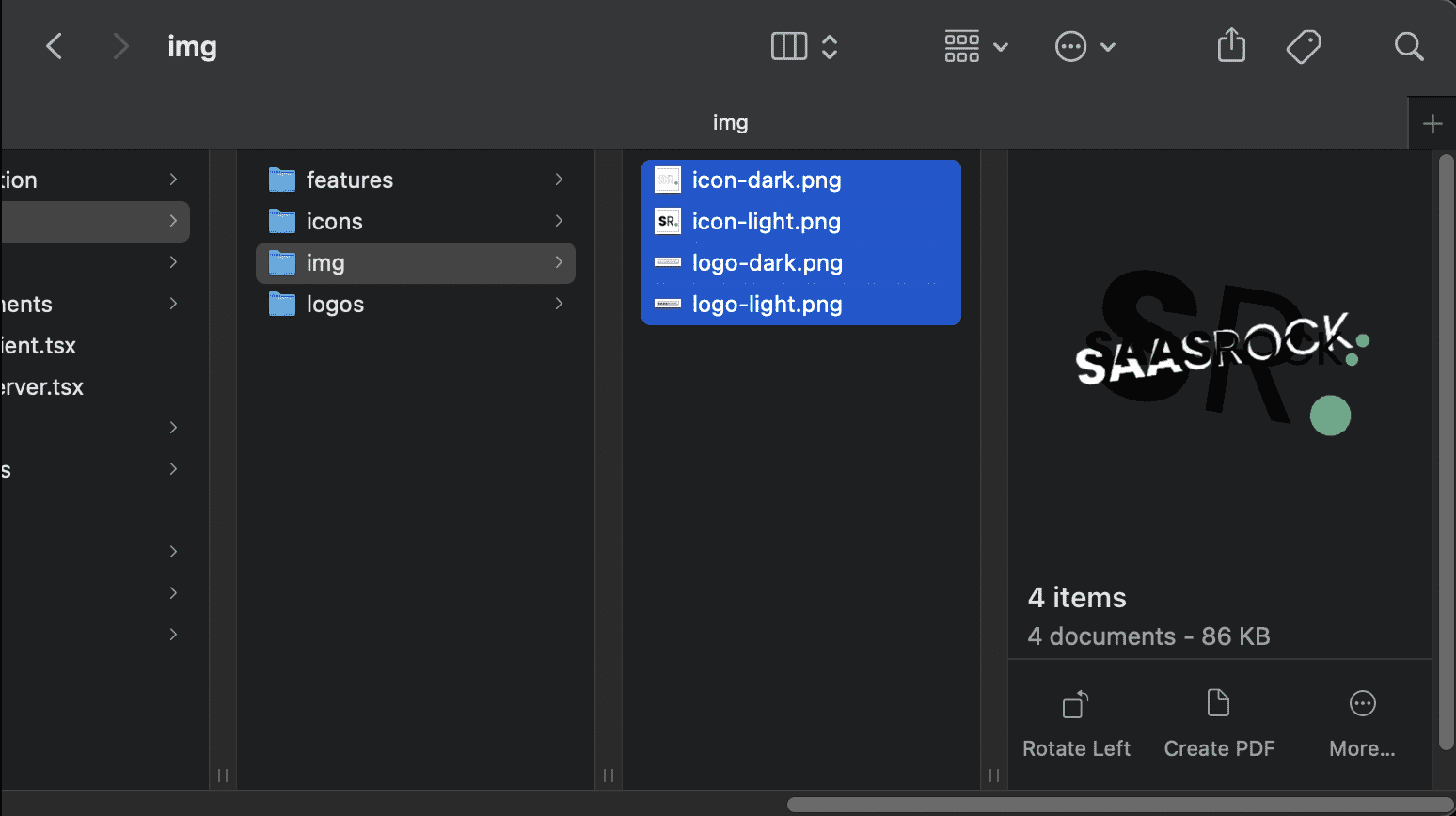
💿 Open your local folder app/assets/img.
There are 4 files there:
logo-light.png
logo-dark.png
icon-light.png
icon-dark.png
They're use througout the application with the app/components/brand/Logo.tsx and app/components/brand/Icon.tsx components.
NOTE
If you plan tu support dark mode, it's important to set the logo-dark and icon-dark images.
💿 Replace them with your logo and icon files.
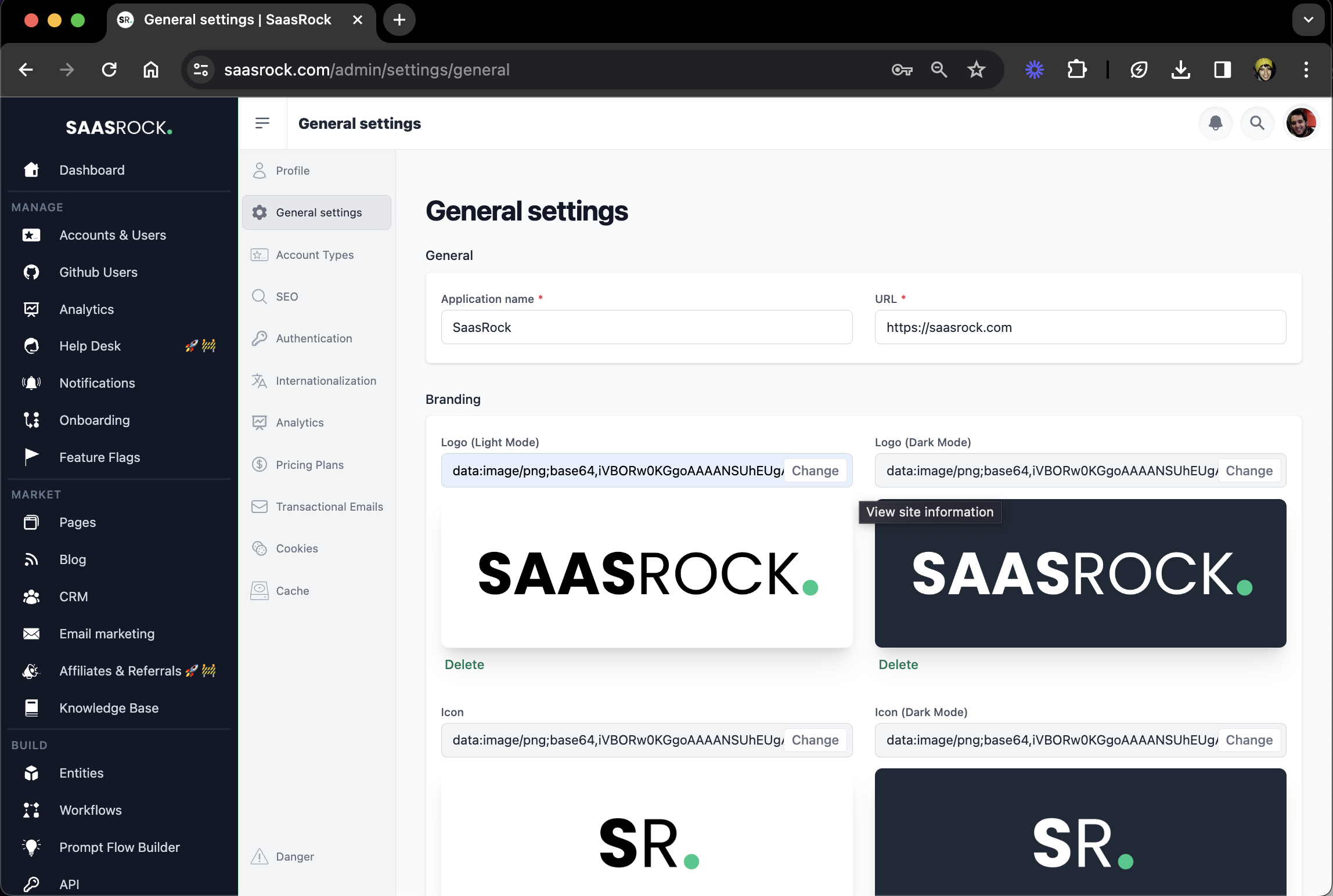
You can also change the Logo and Icon at /admin/settings/general.
I hope this quick guide was useful! Let me know if you have any questions.
